Advanced client signals, request filtering, build with agents
What's new in Arcjet (2026-04-24). Advanced client signals for bot detection, request filtering in the Arcjet dashboard and agent-focused documentation.
Advanced bot signals is now available. It catches the class of bots that slip past fingerprinting and IP reputation - headless browsers, Puppeteer, Playwright, sophisticated scrapers that execute JavaScript and behave like real users - without putting a CAPTCHA in front of anyone.
Add the script to any page that leads into a sensitive route - login, signup, form submissions, anything you care about protecting. Then use Arcjet's detectBot as normal. With an empty allow list, requests that fail signals evaluation are denied along with every other detected bot.
Learn more about how it works and set it up from our docs.
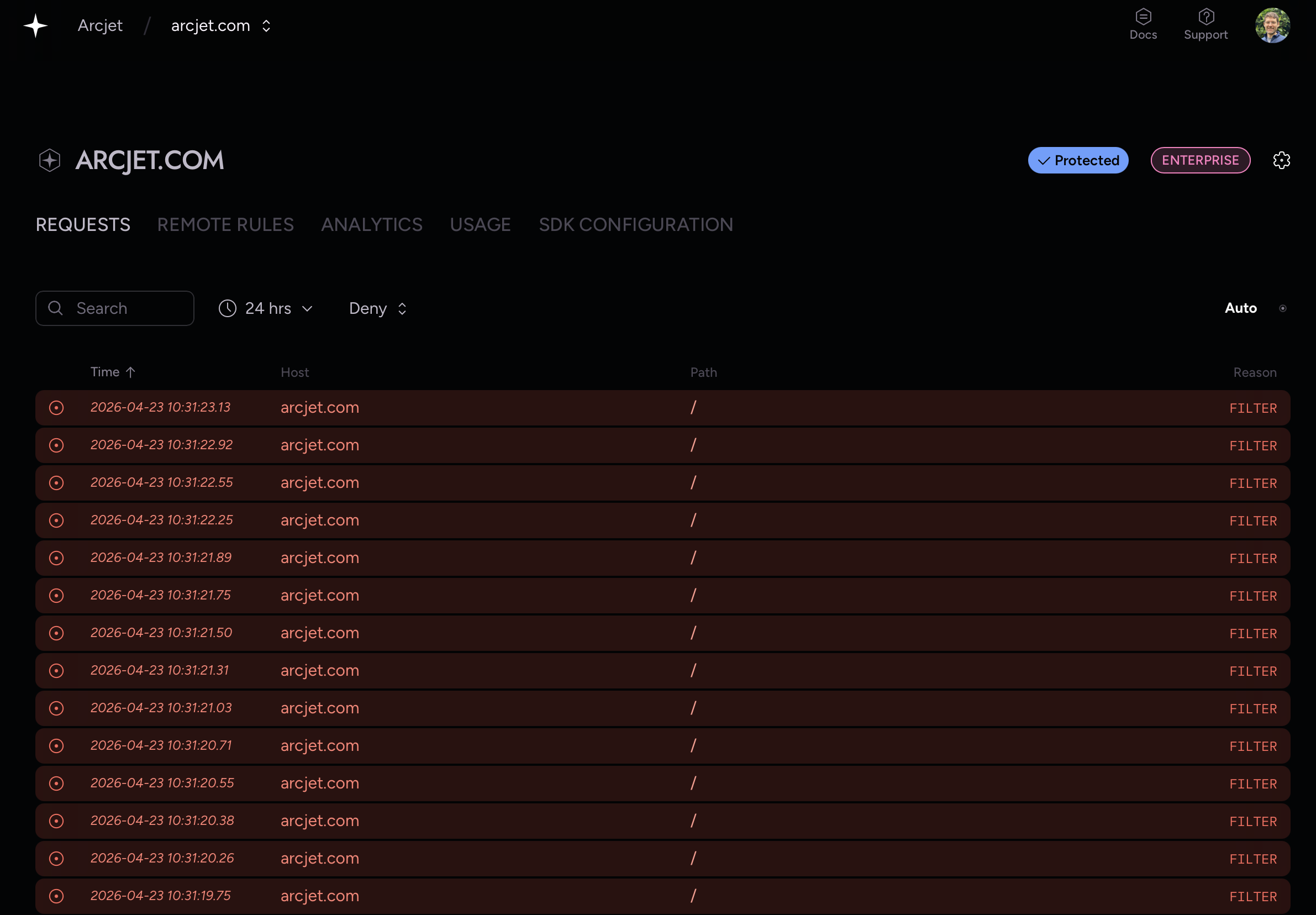
The new Arcjet dashboard filter controls allow you to filter requests by time and conclusion. This makes it much easier to find specific requests e.g. requests denied yesterday.
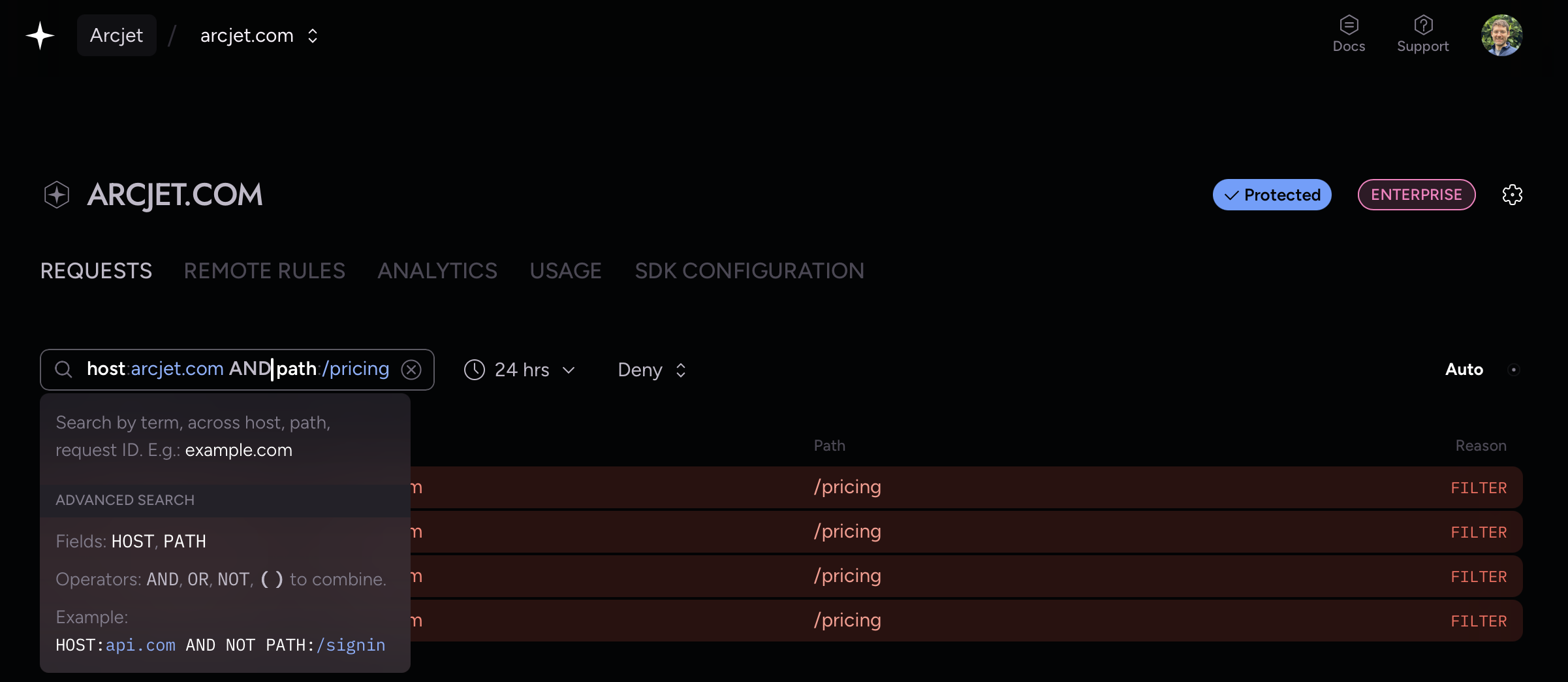
The new search feature now allows you to search requests by host, path, and request ID. Advanced search fields on HOST and PATH can be combined with AND, OR, NOT, and ( ) compound operators.
Filters are also built into the Arcjet MCP server so you can also ask your coding agent e.g. "find denied requests for my arcjet.com site yesterday".
Filtering denied request from the last 24 hours.Search for requests from a specific host and path.
Agent-focused documentation
Agents want to write code so they can easily implement Arcjet into your application. Our SDKs already include detailed doc comments / doc strings which show up in your editor and are discoverable by agents.
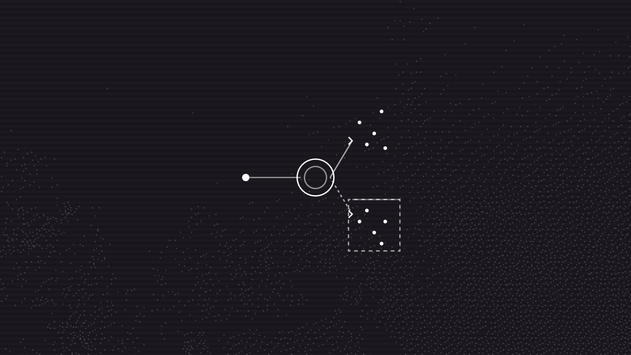
Arcjet Signals are evaluated without a CAPTCHA and enforced when the request passes through a critical flow. The browser gives us signals. The application gives us intent.